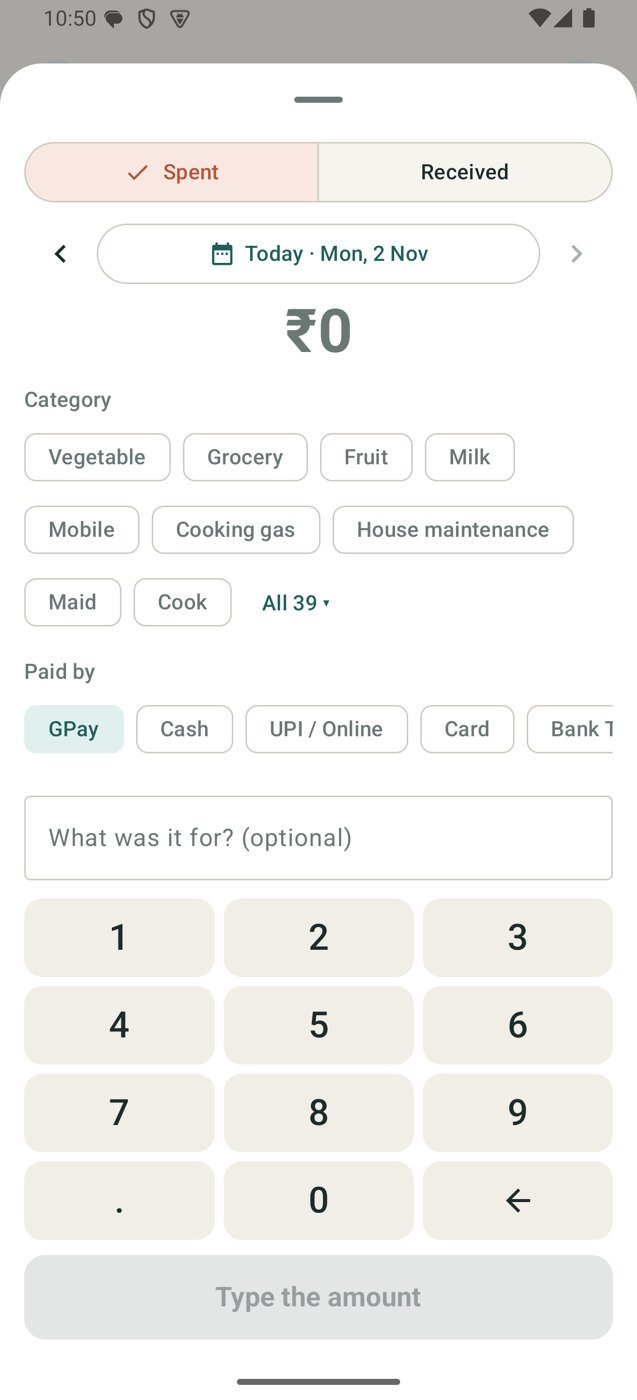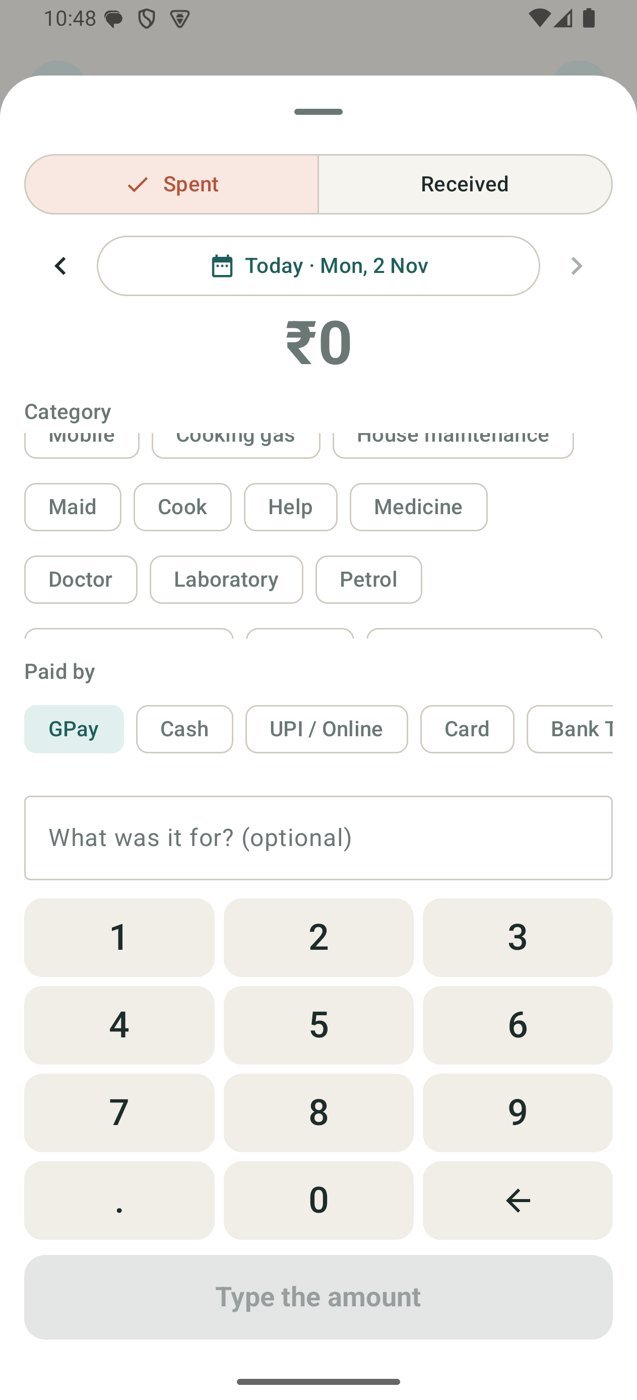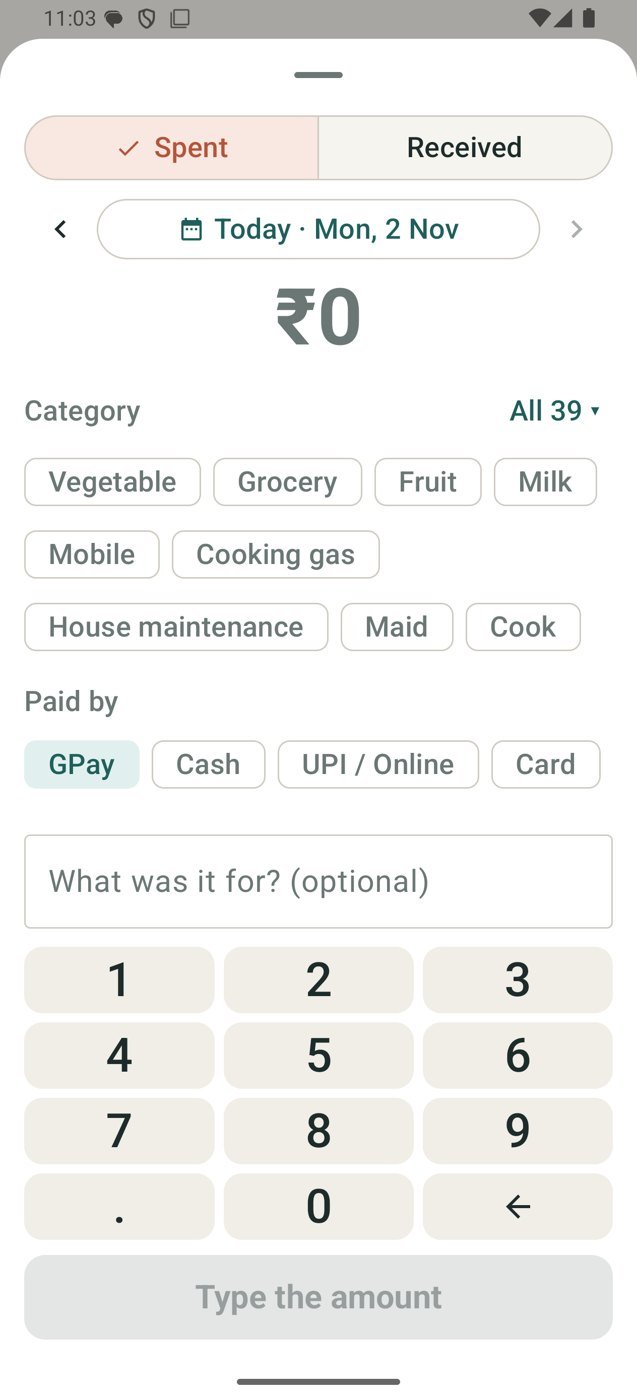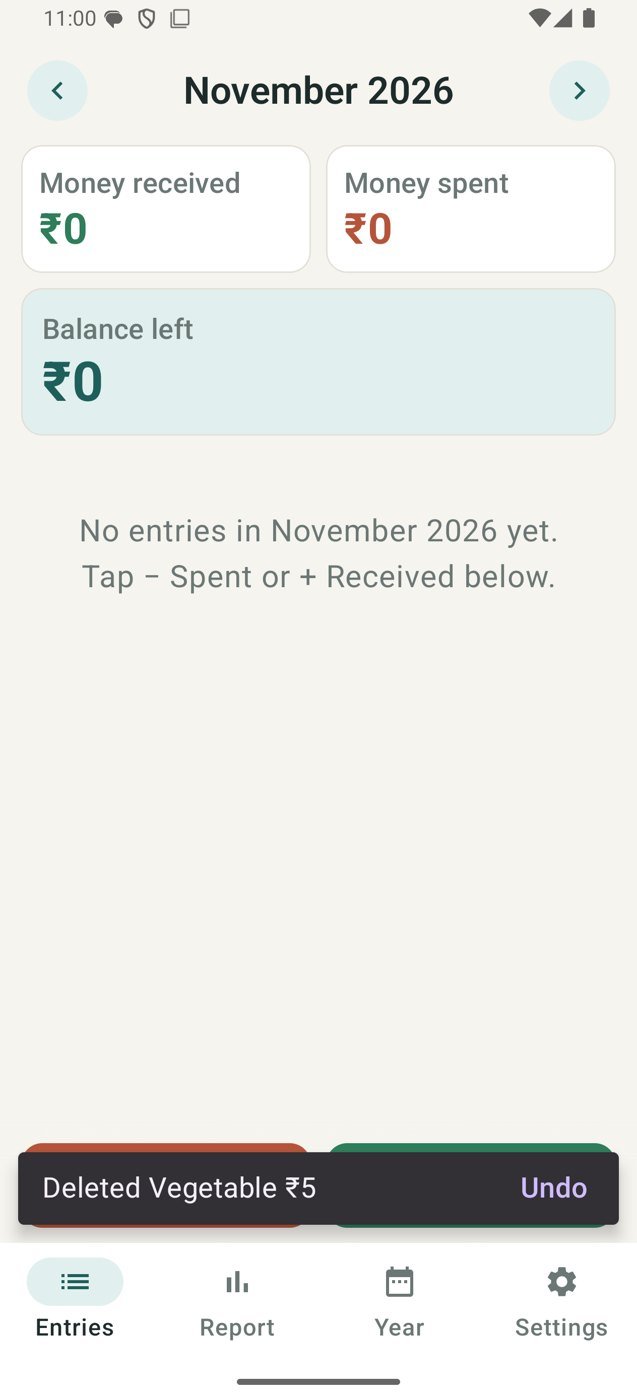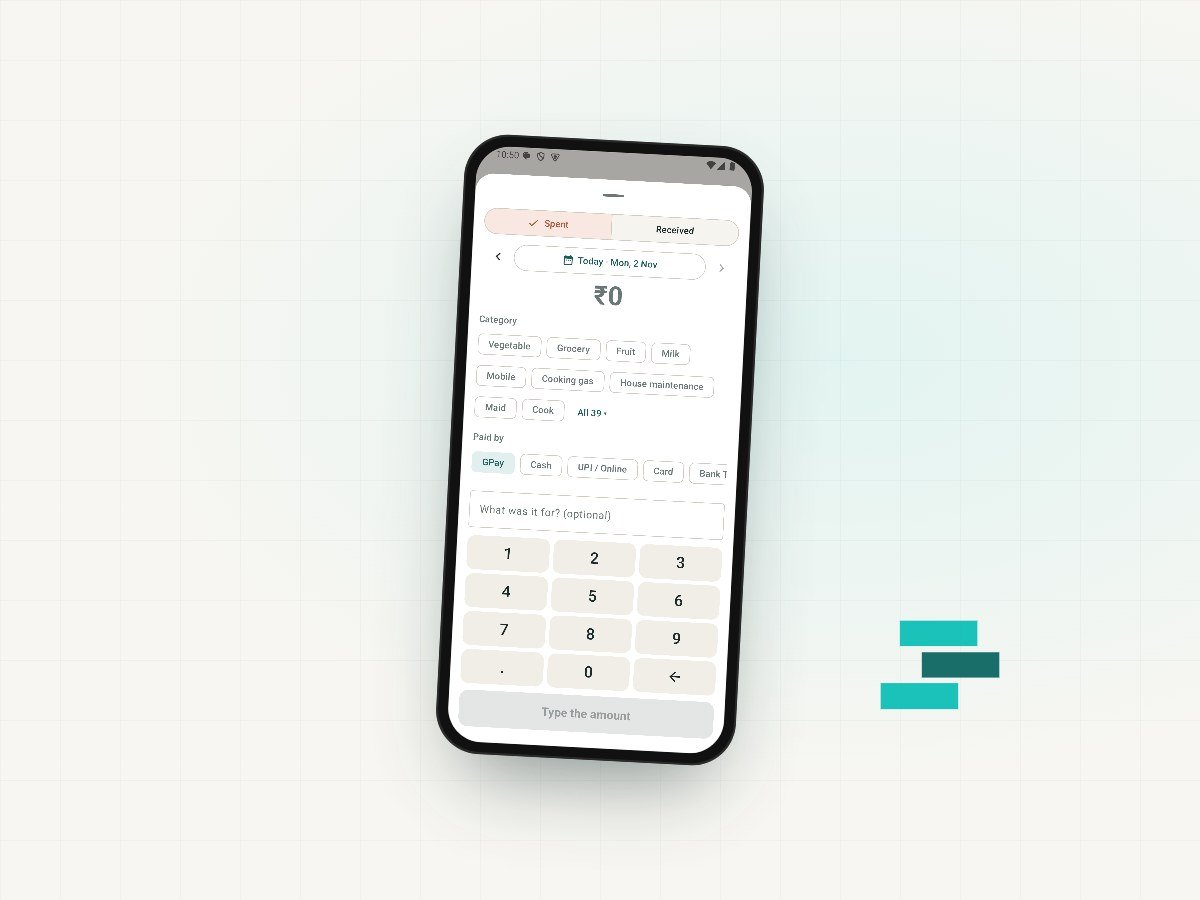
Home Expense Book records what your household spends and receives, in a few taps. Pick a category, say how it was paid (cash, UPI, card or bank transfer), add a note if you like, and it's saved.
Each month it gives you a clear report, with budgets by category, and a PDF you can share or keep. If you choose, it can prompt you to record a payment just after you pay with a UPI app.
The app has no internet access. Your entries stay on your phone unless you save or share a backup yourself.
What it does
- Record money spent and received, with categories and payment modes
- Monthly budgets by category
- Month report and year view
- Monthly report as a PDF to share or save
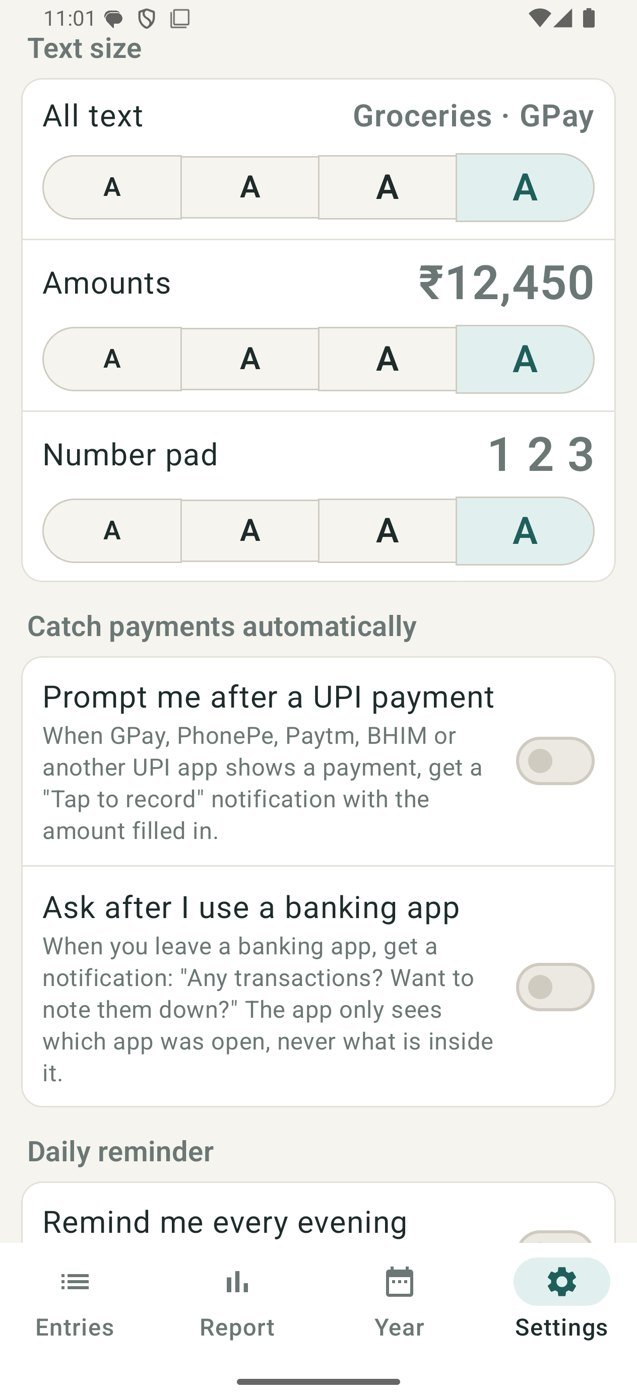
- Optional prompt after a UPI payment (GPay, PhonePe, Paytm, BHIM and others)
- Daily evening reminder
- Three text sizes, a large number pad and undo
- Optional app lock with fingerprint, face or phone PIN
- Backup file you can save, share and restore
Your data
- The app has no internet permission, so it cannot send your entries anywhere
- Backups are files you choose to save or share: keep them somewhere safe
- If Android's own device backup is on, Android may include the app's data in your Google account backup
- The UPI prompt reads payment notifications only from the apps you allow, only to offer a quick entry
- Works on Android 8 and later